Chipmunks Dance AI Alternatives: Choose the Right Route
By Chipmunks Dance AI Team · Chipmunks Dance AI product team
- AI alternatives
- Workflow comparison
- Filming
- Video planning
The best way to make a Chipmunks Dance clip depends on what you need the finished file to preserve. Film when exact choreography or a real event matters. Edit existing permitted footage when you already have the performance. Use image-to-video for an interpreted animation of one suitable photo, or text-to-video for an imagined scene. This is a comparison of workflows, not a fabricated ranking of products or a claim that one tool is best for every person.
Make your chipmunks dance video
Describe people, formation, movement and camera. Exact movie choreography, song or identity is not guaranteed.
Seedance 2.0 · 720p · 9:16
By creating, you confirm you have permission to use your photo and prompt. Terms
Generation time varies. We show the actual task status after submission.
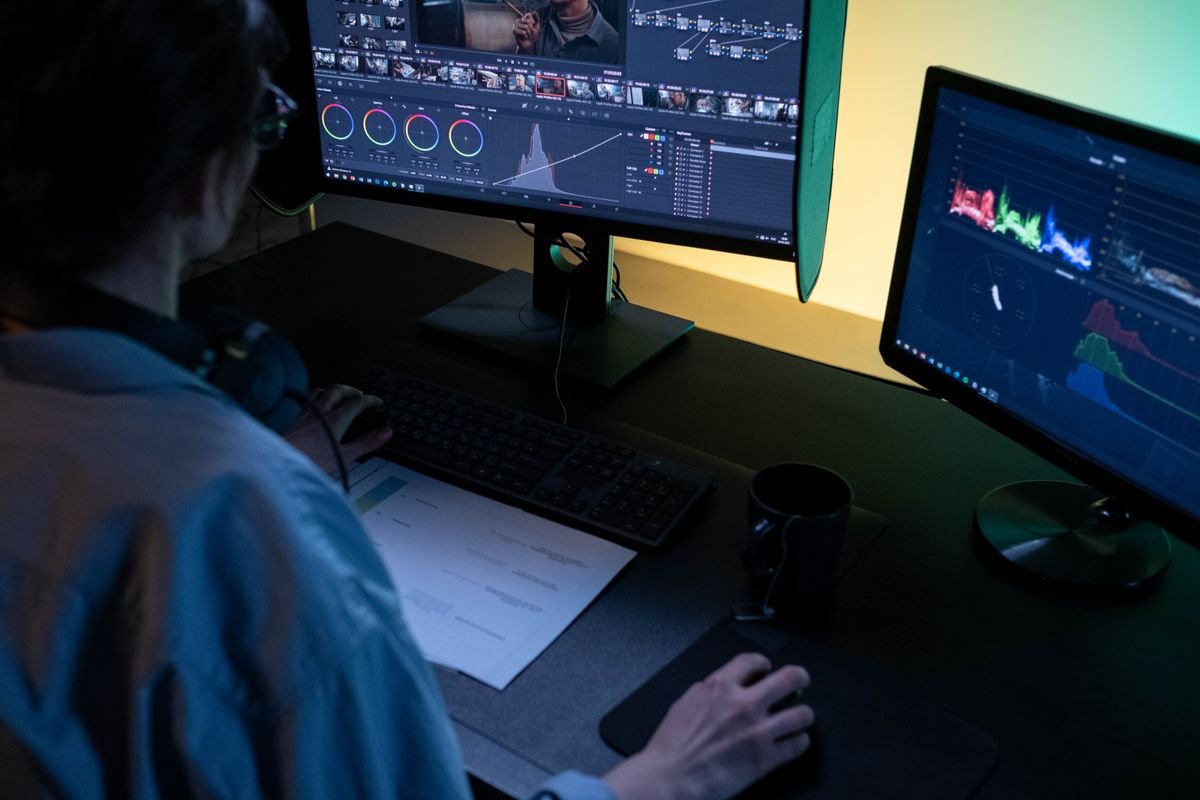
Define the finished file before choosing a tool
Describe the result in one sentence. A faithful recording of three friends performing a routine is different from a fictional dance scene with a woodland character. A birthday greeting made from a group photo is different from locating a movie excerpt. These requests share a search keyword, but they need different materials and different kinds of control. A useful comparison begins with those differences.
List the details that must be accurate: identities, timing, soundtrack, location, or a particular gesture. Then decide which details may be interpreted. If nothing can vary, an AI generator is unlikely to be the safest starting point for the project. If the purpose is playful invention, interpretation may be part of the appeal. Choosing a route this way avoids paying for a feature that cannot meet the requirement.
Film when the real performance is the product
A phone recording gives you direct control over what the people actually do. You can rehearse the timing, change positions, record another take, and choose the version the group likes. This is useful when a creator’s exact routine, a real celebration, or a recognizable interaction is the reason for the clip. It also avoids asking a model to infer bodies and motion from a still image.
Filming has practical costs: people must be available, the space must be suitable, and lighting and framing need attention. Those costs do not make it a worse option. They may be the work required to capture the specific result you want. Start with a simple rehearsal and a framing check, keep the movement comfortable, and use an external editor only for the finishing changes the recording actually needs.
Edit footage you already have before generating more
If you already own a usable recording, editing may solve the problem without creating a new scene. You might need a shorter excerpt, a vertical crop, a caption, a muted copy, or permitted music. Review the source file first. If the dance and people are already correct, changing the presentation can be more appropriate than generating another version that introduces uncertainty.
Use an editor suited to the changes you need and keep an untouched copy of the original. Be careful with vertical cropping when several people span a wide frame: a crop can remove a dancer or important footwork. The Chipmunks Dance AI studio does not include a timeline, trimming controls, or an audio editor. Do not buy generation credits expecting those separate editing functions to appear afterward.
| Your need | Route to consider | What remains your responsibility |
|---|---|---|
| Exact steps by real friends | Film the routine | Rehearsal, consent, framing |
| A better version of existing footage | Edit the permitted recording | Crop, captions, soundtrack |
| Movement from a still group photo | Image-to-video | Suitable photo and result review |
| A fictional scene or character | Text-to-video | Focused brief and output review |
| An original movie scene or song | Find an authorized source | Access and intended-use permission |
Use photo animation when interpretation is acceptable
Image-to-video starts from one permitted still image. It can suit a playful greeting or an imagined movement based on a group photo, provided everyone understands that the output is an interpretation. The current studio accepts JPG, PNG, or WebP up to 10 MB. Choose a photo with visible people, clear light, and a composition that fits the movement rather than expecting the prompt to repair every weakness.
The tradeoff is limited control over identity and choreography. Faces, hands, clothing, or positions can change. There is no reference-video upload for exact motion transfer and no separate portrait slot for each person. If those limitations make the output unsuitable for your purpose, return to filming or editing. A photo-based AI route is useful only when an interpreted result still meets your needs.
Use text for a scene that does not exist yet
Text-to-video is the most direct route here when your idea is fictional. Describe original adult characters or an original woodland scene, a single visible action, and a camera view. You can work without uploading a real person’s photo. Keep the prompt focused enough that you can judge whether the result follows it. A clear idea does not require a long list of styles and effects.
The model invents details, so do not rely on repeated generations to produce an identical cast or perfectly synchronized routine. It also does not supply the original music associated with a trend. Add permitted music and captions after download with another tool. Before submitting, check the selected length and credit cost, and decide whether the possible range of results is acceptable for that spend.
- Write the final-file requirement in one sentence.
- Mark which details must be exact.
- Check what permitted material you already have.
- Choose filming, editing, photo animation, or text generation.
- Review cost and limitations before committing to the route.
Compare total effort instead of a headline promise
The cheapest-looking or fastest-sounding option may still require substantial finishing work. An AI output may need review, another creative attempt, captions, and a soundtrack. A filmed clip may need rehearsal but little editing. An existing recording may only need a short trim. There is no universal time-saving number that applies to every group and every idea, so do not base the decision on an unsupported speed claim.
Set a practical stopping point before you begin. For a paid generation, define what would count as a usable result and how many variations you are willing to purchase. For filming, agree on a simple routine and a reasonable number of takes. Save the final file and keep access details private. The best workflow is the one that produces the result you actually need with costs and limitations you understand.
Frequently asked questions
Is AI the best choice for exact choreography?
Usually filming provides more direct control when timing and specific movements are essential. The current text and image generator interprets a prompt rather than transferring an exact reference routine.
Can I use this site to edit a video I already recorded?
The current studio is a generation tool, not a timeline editor. Use an external editor for trimming, muting, captions, or combining existing footage with music.
What if I have no suitable group photo?
Use text mode for an imagined scene, take a new permitted photo, or film the performance. There is no need to force an unrelated or poorly framed photo into the workflow.
Does this comparison rank competing products?
No. It compares routes by the result they can reasonably serve. A product ranking would require current, comparable testing and evidence that this guide does not claim to have.
Can I find the original film clip here?
This independent tool does not distribute movie scenes or original soundtracks. Use an authorized source when the original material itself is what you want.
Give your group a dance of its own
Create my dance video