How to Find the Chipmunks Dance Song in a Specific Video
By Chipmunks Dance AI Team · Chipmunks Dance AI product team
- Song search
- Dance audio
- Music planning
- Video editing
There is no single soundtrack that identifies every video called Chipmunks Dance. The name can point to a movie scene, a sped-up edit, a three-person routine, or a new meme. Start with the exact post you watched, then inspect its sound information and the part of the recording that plays. This guide helps you identify the version you mean and plan your own clip. The AI studio creates video; it does not supply an original movie song or clone a singer’s voice.
Make your chipmunks dance video
Describe people, formation, movement and camera. Exact movie choreography, song or identity is not guaranteed.
Seedance 2.0 · 720p · 9:16
By creating, you confirm you have permission to use your photo and prompt. Terms
Generation time varies. We show the actual task status after submission.
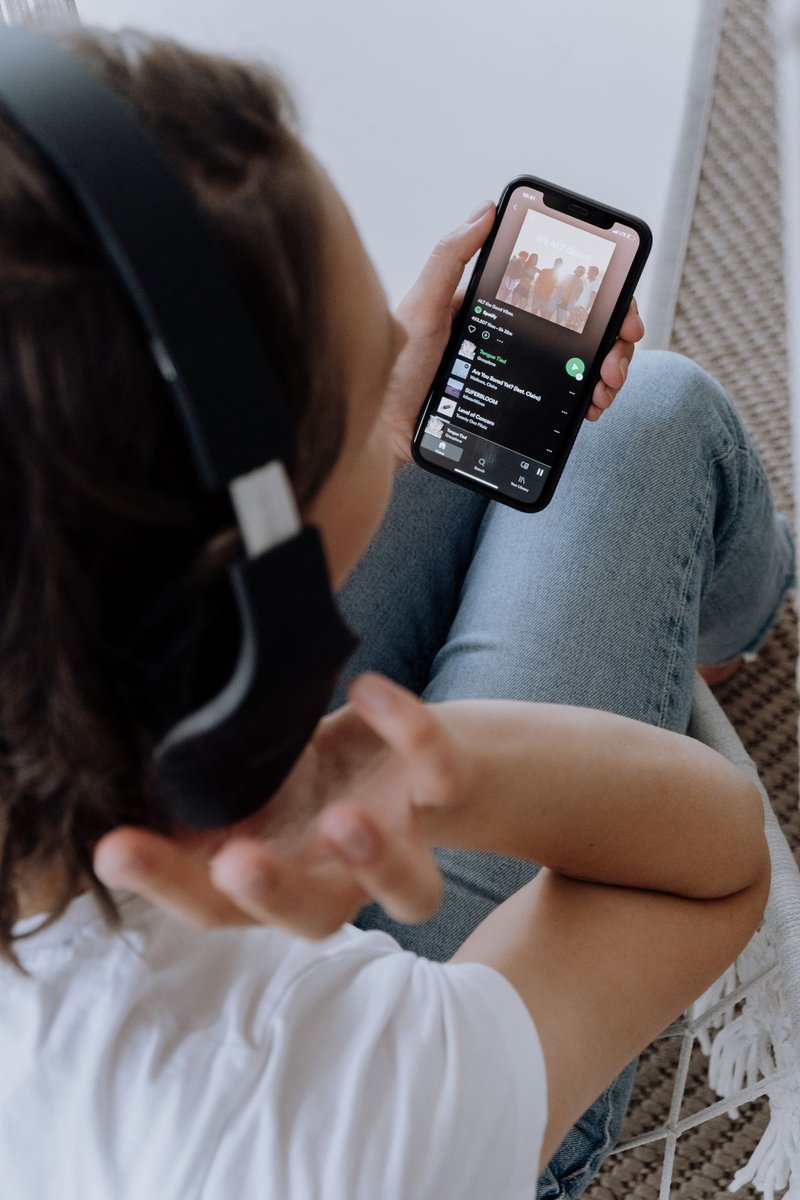
Start with the post, not a guessed song title
Open the exact post again if you can. Copy its normal public link and note the creator, platform, and part of the clip you remember. A video caption is not always the name of its recording. Some creators use a trend label while attaching a different sound, and reposts may replace the original audio. A search for the keyword alone can therefore return several convincing but unrelated answers.
Look for the sound label or audio page attached to that post. Compare the preview with what you actually hear, including its speed, opening words, and instrumental section. If the label says original audio, that may identify the uploader rather than the underlying song. Treat the label as a lead to investigate, not proof that the uploader owns every sound in the clip. Keep the source link so you can compare versions later.
Separate the recording from the edit
The same song can appear as a full recording, a short excerpt, a sped-up version, a remix, or audio layered over dialogue. Knowing the song title is useful, but it may not explain why your own clip feels out of sync. Write down where the dance starts relative to the sound. A two-second lead-in or a different opening beat can change the timing even when the recording is otherwise familiar.
Compare a short, distinctive moment instead of the entire track. Listen for a recognizable phrase or instrument, then check whether the social edit changes pitch or tempo. If you use a music-recognition tool, its answer may identify the underlying recording while missing the exact remix. Do not upload someone’s entire private video to an unrelated service just to identify a sound; use the platform’s public information and the smallest appropriate excerpt.
| What you found | What it tells you | What remains to check |
|---|---|---|
| Named sound page | A possible recording or edit | Does the preview match the post? |
| Original audio label | Which post supplied the audio | Underlying recording and permission |
| Song recognition result | A likely song match | Remix, speed, and start point |
| Creator's explanation | Context for that version | Current availability in your account |
Choose music before planning the movement
For a filmed performance, practicing with the intended excerpt helps the group start and finish together. For an AI clip, plan a broad rhythm and a simple action, while accepting that the result will not be locked to your chosen recording. The current studio has no audio-upload or beat-synchronization control. Writing a song title in a prompt does not attach that recording to the result.
A useful plan describes a visible beginning, one movement, and a clear ending. For example, the dancers could begin still, take small coordinated side steps, and end in a shared pose. This is a hypothetical editing plan, not a tested promise about musical timing. After downloading the generated video, inspect its actual movement before choosing where to place the music. Work with the clip you received instead of assuming it follows an unheard track.
Add permitted music after downloading the video
Use an external editor or the destination platform’s music tools to combine your video with a recording you are permitted to use. Availability can depend on the platform, region, account type, and intended use. A sound offered inside one app is not automatically a reusable music file for every other destination. Check the conditions that apply to your post, especially if the video promotes a product or service.
Keep a clean copy of the downloaded MP4 before adding music. That lets you adapt the soundtrack for another destination without generating a new video. Preview the final mix at a comfortable volume and listen for abrupt starts or cuts. If you cannot confirm permission for the recording you wanted, choose another suitable track or share the clip without it. A silent video with a clear visual idea can still communicate the joke.
- Download the finished MP4 while it remains available.
- Open it in your chosen editor or publishing app.
- Select a recording permitted for that destination and use.
- Align the excerpt with the actual visible movement.
- Preview the completed post and keep a clean original copy.
Avoid common sound-search dead ends
Changing pitch or speed does not tell you who owns a recording or what you may do with it. A familiar cartoon-style voice can also come from an edit rather than an official release. Do not describe a sound as official merely because the uploader uses character names in the caption. If the distinction matters to your project, look for an authorized source that identifies the recording and the version.
Another common dead end is assuming that a video generator must include the song because its page mentions a dance trend. Chipmunks Dance AI is an independent creation tool. Its text and image inputs describe a visual scene, and the current workflow does not provide a licensed movie soundtrack, voice cloning, or exact routine transfer. Knowing that before purchase helps you decide whether the tool fits the part of the project you need help with.
Keep a reusable plan for your next dance clip
Save a small project note with the public source post, the sound version, the selected excerpt, and where you intend to publish. Also record whether you are filming people or creating an imagined scene. This keeps the music decision separate from the generation decision. If a track later becomes unavailable, you still have the clean video and can choose a new soundtrack without losing the rest of the work.
For a group project, agree on the soundtrack and sharing plan with the participants before posting. Give credit where the source or license requires it, and avoid implying that a creator or rights holder endorses your version. If your video uses AI, describe it honestly when that context matters. The goal is a clear, enjoyable clip that you can actually publish, rather than a near match built around audio you cannot use.
Frequently asked questions
What is the one official Chipmunks Dance song?
The keyword covers multiple scenes, routines, and edits, so a universal title would be misleading. The exact post and its sound page are the best starting points for identifying your version.
Does a sped-up recording become free to use?
Changing its playback speed does not establish permission. Check the recording’s source and the terms for your intended platform and use before adding it to a public post.
Can I upload my own song to this generator?
The current tool accepts a text prompt or one still image, not an audio file. Add your permitted recording in an external editor or destination platform after downloading the video.
Will the generated dance match a particular beat?
There is no beat-synchronization guarantee. Describe a simple visible action, review the finished movement, and align the soundtrack to that actual output in your editing tool.
Can I download the movie soundtrack here?
No. This independent tool does not distribute film recordings or provide official character or music licenses. Use an authorized source if you are looking for the original material.
Give your group a dance of its own
Create my dance video